Code changes needed
Templates, forms, approval stages and checklists are configured through the platform itself, not a development backlog.
SOLUTIONS / CONFIGURABLE BY DESIGN
Your process keeps evolving after go-live, and OQSHA evolves with it. The changes you need are configured in hours or days, with our team supporting you along the way. Permits, inspections, alerts and every module adapt as your operation grows.
Reshape any workflow yourself.
Add modules without a rebuild.
Permissions travel with every change.
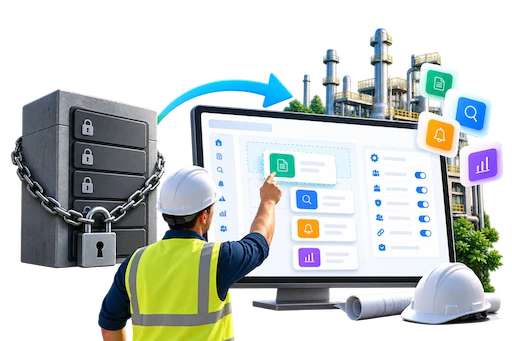
Your safety process keeps changing — new sites, new contractors, new rules. OQSHA puts those changes in your team’s hands, and we keep supporting you long after go-live.
Templates, forms, approval stages and checklists are configured through the platform itself, not a development backlog.
Visitor management, attendance, training or a site-specific workflow can go live without a platform rebuild.
Every configuration change inherits your existing roles, sites and permission rules automatically.
HOW IT WORKS
Tell OQSHA what needs to change — a new approval stage, a different checklist, an extra field — and we translate it into the platform’s configuration layer with you.
Permit, inspection, safety-alert and CAPA templates are edited directly: fields, steps, conditional logic and approval routing.
Assign who can see, edit, approve or close each step — by role, by site, or by shift — with no separate access project.
Changes go live for your team without downtime, a new release, or a data migration.
Visitor management, attendance, training records, contractor onboarding — extend the platform with a new module instead of a new system.
“What happens when our process changes?” Here is the honest answer.
Permits, inspections, safety alerts, actions and audits are built on the same configurable template engine, not separate hard-coded features.
Show or hide fields, branch approval paths, and set escalation rules to match how your site actually operates.
Different plants can run different versions of the same workflow, side by side, under one account.
Permits, incidents, inspections, actions, training and analytics all sit on the same underlying template and role engine, so a change you make once applies consistently everywhere it should.
Control critical work with staged approvals and closure proof.
Report fast, investigate consistently, and close actions on time.
Make inspections repeatable and records retrievable.
Prove competence by role, site, and contractor group.
Get answers without manual reporting cycles.
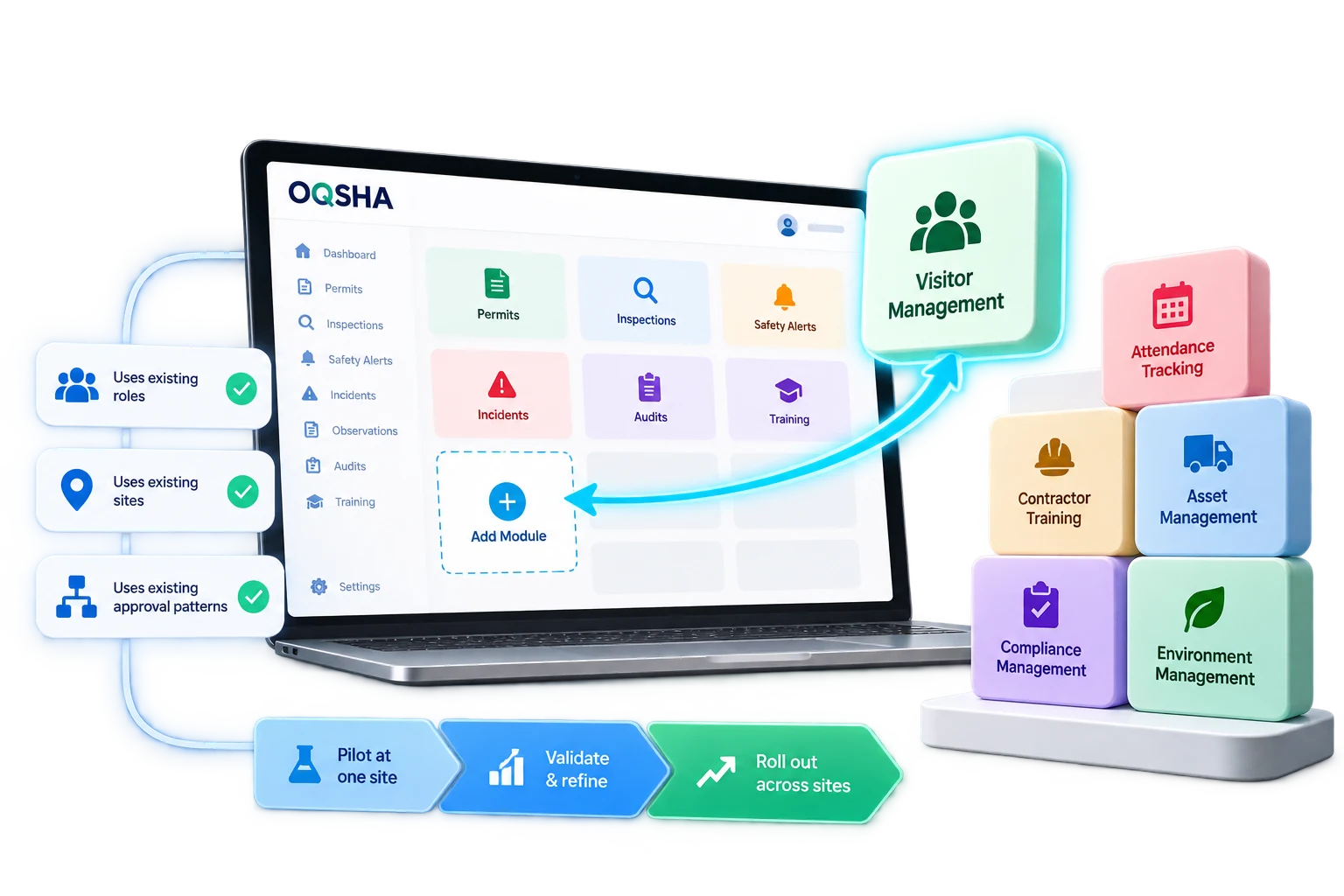
When a client needs something new — visitor management, attendance tracking, contractor training records — it becomes a module on the platform they already use, not a new system to integrate.
New modules inherit your existing roles, sites and approval patterns
Rolled out to a pilot site first, then extended once proven
No separate login, no separate data silo, no separate contract
Concrete examples of the kind of change teams make themselves.
A site added a second sign-off for high-risk permits without filing a support ticket.
A new asset type got its own checklist and escalation path in an afternoon.
A facilities team added visitor sign-in and badge tracking as a new module, live within the same week.
Approval authority now differs between day and night shift, configured without new code.
SAFER OPERATIONS START WITH A CONVERSATION
Your workflows. Your sites. A tailored OQSHA walkthrough.