Risk sits in a binder
HIRA documents are completed in the office and filed away. By the time work begins, the crew on site has often never seen the risk assessment written to protect them.
INDUSTRIES / OIL & GAS
Refineries, terminals and pipeline sites run on high-risk work that can’t wait for paperwork. OQSHA links the risk assessment, the permit, the isolation and the close-out, so every job carries its own evidence.
HIRA controls carried into the permit.
Capture at remote and pipeline sites.
Pull records without rebuilding reports.

HIRA documents are completed in the office and filed away. By the time work begins, the crew on site has often never seen the risk assessment written to protect them.
Multiple simultaneous jobs on the same plant create conflicting isolations and overlapping hazard zones. Without a live permit register, no one has the full picture of what is active at any moment.
Contractor records are collected at site entry and filed away. Whether a worker is actually trained and equipped for the specific task they are doing has no ongoing visibility.
Configure SOP-aligned workflows while keeping traceability automatic.
Control critical work with staged approvals and closure proof.
Report fast, investigate consistently, and close actions on time.
Make inspections repeatable and records retrievable.
Prove competence by role, site, and contractor group.
Get answers without manual reporting cycles.
The workflows teams run daily, now connected and auditable.
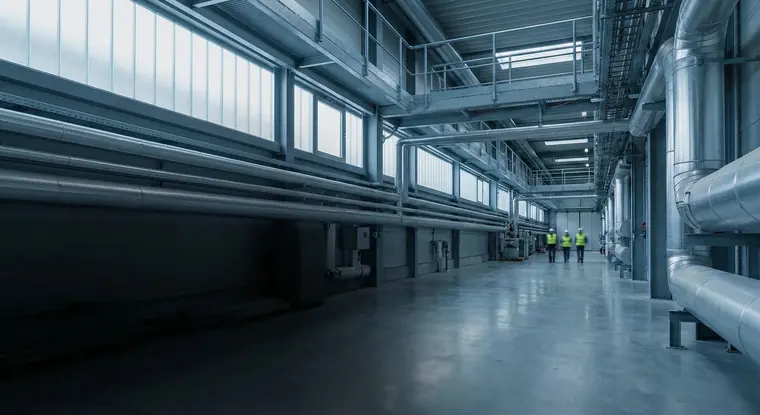
“Hundreds of permits, one tight window.”
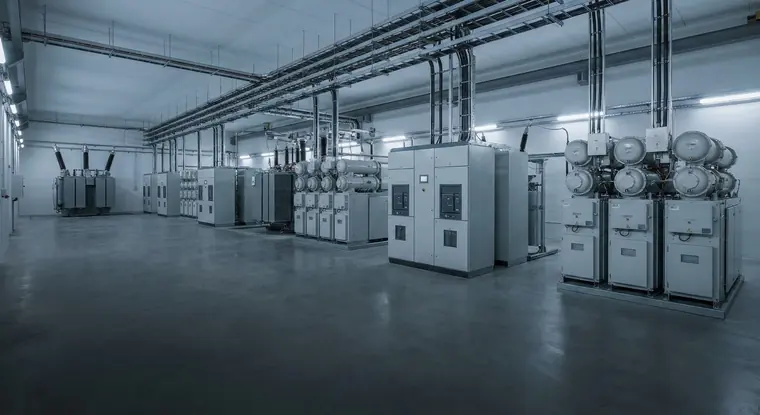
“The checks happen. The proof doesn’t.”
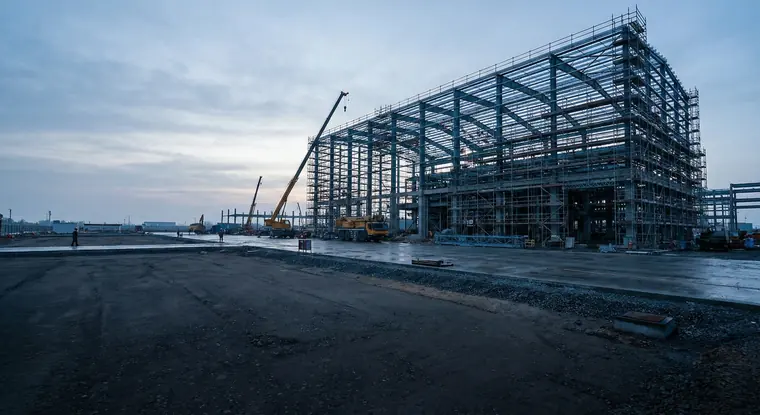
“No signal, but the work can’t stop.”
“Findings get raised, then go quiet.”
Less chasing. More traceability.
Controls agreed in HIRA follow the job.
Inductions, PPE and training in view.
Evidence required, not optional.
Ready before the request arrives.
Most teams ask these questions before rolling out OQSHA.
Typically 2–6 weeks, depending on the number of sites, the modules you enable (Permit to Work, Inspections, Safety Alerts, HIRA, Visitor Management), and how much historical data you're bringing over. Most customers start with a pilot site, then roll out site by site.
Nothing special. Field teams use the OQSHA mobile app on Android or iOS phones and tablets; admins and managers use the web portal in any modern browser.
Yes. OQSHA is built for sites where connectivity is patchy: basements, towers under construction, plant floors. Field users can raise permits, safety alerts and inspections with no signal, including photos and attachments. Everything syncs automatically once the device reconnects.
Data is encrypted in transit and at rest, hosted on AWS in your chosen region. For organizations that need full control, OQSHA can also be deployed on-premise within your own infrastructure.
No. OQO runs as a captive AI. It works on your safety data within the OQSHA environment and never sends it to a public model or the open internet.
Yes. We support Single Sign-On and integration with common HRIS, ERP, and directory systems. Custom integrations are scoped with our implementation team during onboarding.
Yes. Historical permits, inspections, and incident records can be imported during onboarding, usually alongside the pilot, so your analytics and audit history are complete from day one.
Yes. Each organization runs in its own isolated tenant. Your templates, records, users, and dashboards are never visible to or shared with any other customer.
Built-in dashboards across permits, incidents, and inspections, filterable by site, zone, and time period. They're scoped automatically to what each user is allowed to see.
A named implementation contact through rollout, then standard support with response-time SLAs based on your plan. App updates are delivered over the air, so field users always have the latest version without reinstalling.
SAFER OPERATIONS START WITH A CONVERSATION
Your workflows. Your sites. A tailored OQSHA walkthrough.